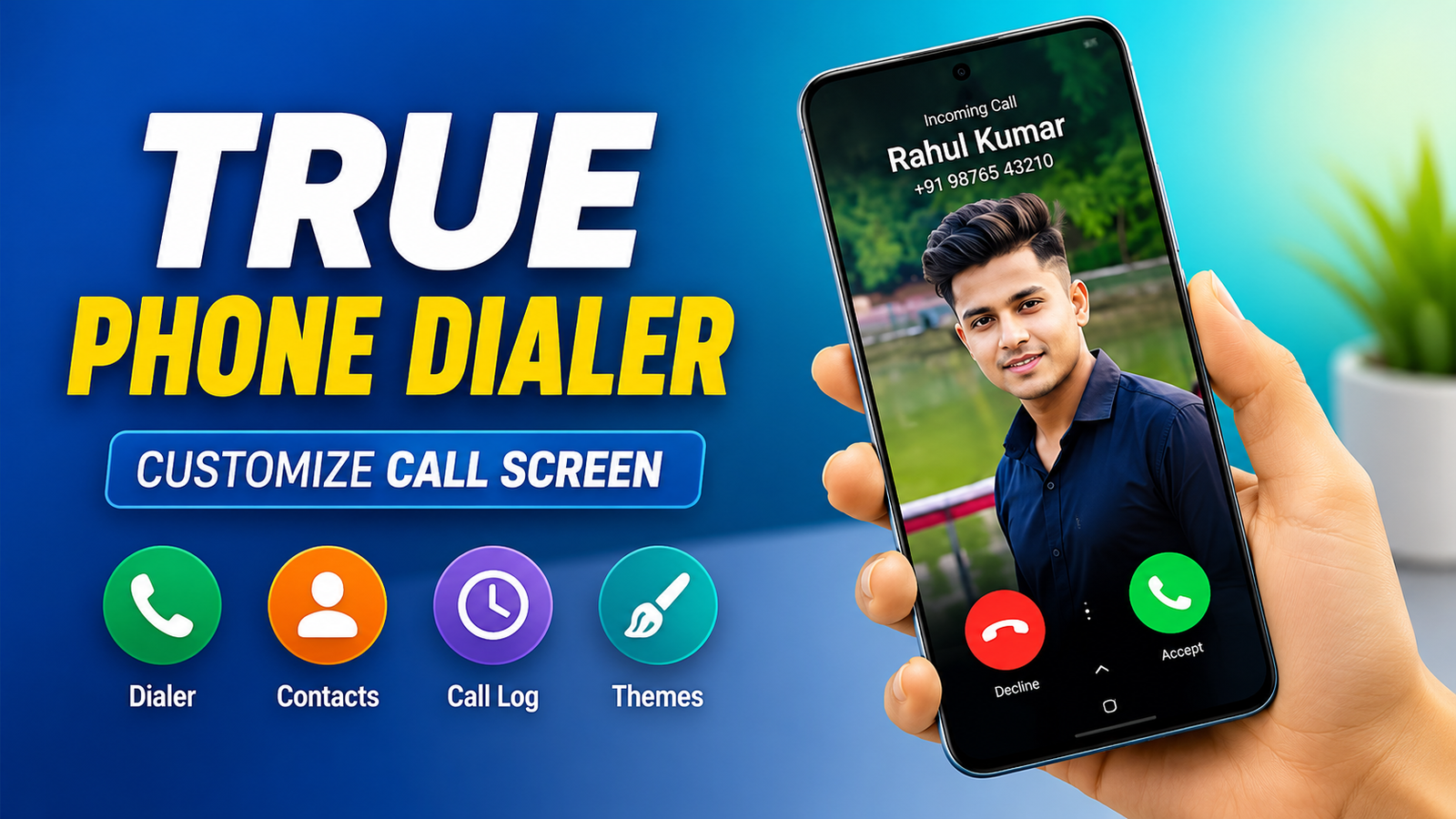
The default Phone app on most Android devices is reliable for everyday calling, but it often provides only basic features and limited customization. If you want a dialer with more personalization options and better contact management, True Phone Dialer and Contacts is an app worth considering.
Designed as a replacement for the stock phone app, it combines a customizable dialer, contact organizer, and call history manager into a single interface. For users who enjoy personalizing their smartphones, it offers several useful features while keeping the overall experience simple and easy to navigate.
What Is True Phone Dialer and Contacts?
True Phone Dialer and Contacts is an Android application that replaces your device’s default calling app. Along with handling phone calls, it provides additional tools for managing contacts, viewing call logs, customizing the dialer interface, and organizing communication more efficiently.
Depending on your device and Android version, the app may also support additional personalization options, including contact photos and visual themes.
Also read: What is CapCut and How Does It Work? Complete Beginner’s Guide
Main Features of True Phone Dialer and Contacts
The app includes several features designed to improve both appearance and usability.
Customizable Dialer Themes
One of the biggest attractions of the app is its ability to customize the dialer interface.
Users can choose from different themes, colors, and layouts to create a phone app that matches their personal style. Some versions also allow changes to fonts and display elements for a more personalized look.
Better Contact Organization
Managing contacts becomes easier with built-in organization tools.
You can:
- Add profile photos to contacts
- Edit contact information
- Organize your phonebook more efficiently
- Quickly search for saved numbers
Assigning photos to contacts also makes it easier to recognize incoming callers.
Detailed Call History
The app provides a well-organized call log that displays useful information such as:
- Incoming calls
- Outgoing calls
- Missed calls
- Call duration
- Date and time of each call
The clean layout makes it easier to review recent communication without searching through multiple menus.
Clean and Responsive Interface
True Phone Dialer is designed with simplicity in mind.
Its interface allows quick access to:
- Dial pad
- Contacts
- Favorite contacts
- Recent calls
- Search function
The straightforward navigation makes the app suitable for both new and experienced Android users.
Multiple Personalization Options
Besides changing themes, users can customize several visual elements depending on the version of the app.
Available options may include:
- Theme colors
- Contact photos
- Dialer appearance
- Interface layout
- Display preferences
These settings help users create a calling experience that feels more personal.
Dual SIM Support
For smartphones equipped with two SIM cards, the app offers convenient Dual SIM support.
This allows users to choose which SIM card to use before making a call, making it easier to manage separate personal and work numbers from a single device.
Call Blocking Features
The app also includes tools that help reduce unwanted calls.
Users can block selected phone numbers to avoid spam or nuisance callers. The exact blocking features available may vary depending on the Android version and device compatibility.
Why Many Android Users Choose This App
True Phone Dialer and Contacts offers several advantages over many default phone apps.
Some of the reasons users install it include:
- More customization options
- Improved contact management
- Organized call history
- Modern and responsive interface
- Dual SIM support on compatible devices
- Built-in call blocking tools
For users looking for additional control over their calling experience, these features make the app an attractive alternative.
How to Set Up True Phone Dialer and Contacts
Getting started with the app is straightforward.
Follow these steps:
- Download the app from the Google Play Store.
- Open the application after installation.
- Grant the necessary permissions for contacts and phone calls.
- Set the app as your default Phone application if desired.
- Explore the settings menu to customize themes and appearance.
- Add profile photos to contacts and adjust other preferences.
Once configured, the app can replace the default dialer for everyday calling.
Things to Keep in Mind
Some features may depend on your smartphone model, Android version, or manufacturer restrictions.
For example, certain call screen customization options may not be available on every device because some Android manufacturers limit how third-party dialer apps interact with the system.
Checking the app description on the Google Play Store can help you understand which features are supported on your specific device.
Privacy and Permissions
Since a dialer app manages calls and contacts, it requires several permissions to function properly.
These commonly include:
- Contacts access
- Phone permissions
- Call log access
Before installing any phone management app, it’s always a good idea to review its privacy policy and understand why each permission is requested.

Also read: How to Edit Photos From Gemini: A Complete Beginner’s Guide to AI Photo Editing
Final Thoughts
True Phone Dialer and Contacts is a feature-rich alternative to the default Android Phone app. It combines contact management, call history, personalization tools, and a clean interface into one convenient application.
While available features may vary depending on your device, the app provides useful customization options that many Android users appreciate. If you’re looking for a dialer with a more modern design, flexible themes, and better contact organization, True Phone Dialer and Contacts is certainly worth trying from the Google Play Store.