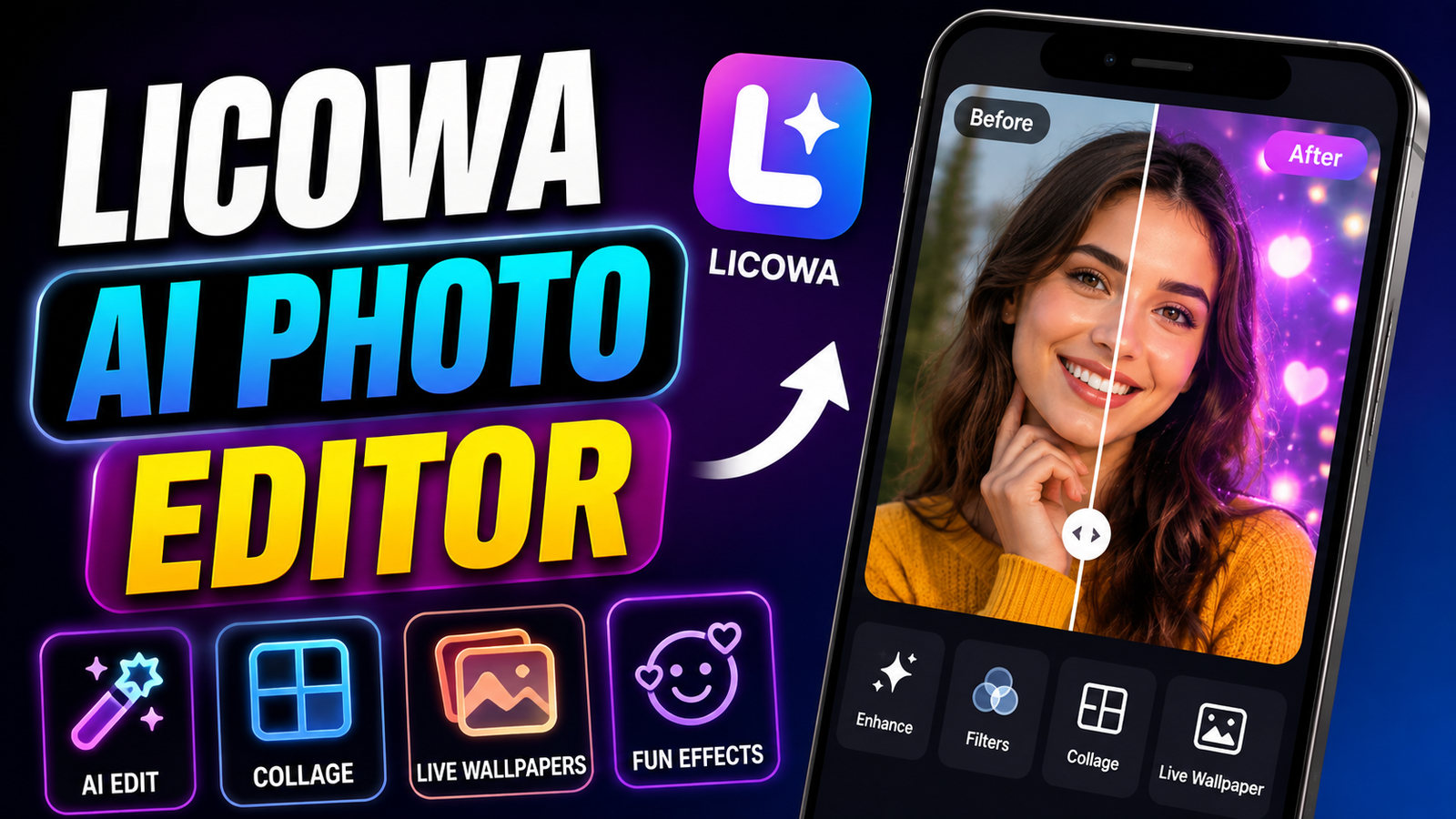
Creating attractive visuals on a smartphone has become easier than ever. From editing personal pictures to designing social media posts, users now have access to a wide range of mobile editing applications. However, installing a separate app for every task can quickly become inconvenient.
Licowa AI Photo Editor is designed as an all-in-one creative tool for Android users. The app brings together photo editing features, collage templates, visual effects, and wallpaper customization options. This makes it possible to handle different types of creative projects from a single application.
If you’re looking for a simple mobile editor rather than a complicated professional tool, Licowa may be worth exploring. Here’s a closer look at its features and how it can be used.
Also read: How to Use Google Drive Without Internet: Complete Offline Guide
What Is Licowa AI Photo Editor?
Licowa AI Photo Editor is an Android-focused photo editing application that combines several image customization tools in one interface.
Instead of using one application for basic photo adjustments and another for making collages or wallpapers, users can access multiple creative options through Licowa.
Depending on the version of the app and available features, users may find tools such as:
- AI-assisted photo enhancements
- Filters and visual effects
- Background editing
- Collage layouts
- Stickers and decorative elements
- Photo booth-style effects
- Wallpaper customization
- Animated or live wallpaper options
The combination of these tools makes the app suitable for everyday photo editing and creative experimentation.
Edit Photos With AI-Assisted Tools
One of the main attractions of modern photo editors is the ability to improve images without manually adjusting every setting.
Licowa includes AI-assisted editing features intended to make common editing tasks simpler. Users can select a photo and experiment with available enhancement tools instead of spending a long time adjusting brightness, colors, and other settings individually.
Depending on the available tools, you may be able to work with:
- Brightness and lighting
- Colors and contrast
- Portrait appearance
- Background effects
- Blur effects
- Filters
- Other automatic enhancements
These options can be particularly useful for beginners who want quick improvements without learning advanced editing techniques.
Create Personalized Live Wallpapers
Photo editing isn’t the only area where Licowa focuses on customization. The app also provides options for creating wallpapers from personal images.
Instead of relying entirely on the default wallpapers included with your phone, you can use your own pictures and available visual effects to create a more personalized background.
Some versions or features may offer options such as:
- Photo-based wallpapers
- Animated effects
- Dynamic visual elements
- Creative backgrounds
- Depth-style effects
Before using animated wallpapers for long periods, remember that their battery and performance impact can vary depending on the device and the type of effect being used.
Make Photo Collages Easily
If you regularly share multiple pictures together, a collage maker can be useful. Licowa includes tools that allow several photos to be combined into a single design.
You can select multiple images and arrange them using different layouts. Depending on the available templates, you may also be able to customize the appearance of the finished collage.
Common options can include:
- Grid layouts
- Multiple photo arrangements
- Borders
- Spacing adjustments
- Text
- Decorative effects
- Different styles and templates
This can be handy for creating travel collages, birthday memories, event photos, or social media graphics.
Try Different Filters and Creative Effects
Sometimes a basic filter is all you need to give a photo a different appearance. Licowa provides creative effects that allow users to experiment with the overall style of their images.
Depending on the current app version, users may find different categories of effects, including artistic, vintage, colorful, cartoon-inspired, or monochrome styles.
These effects can be applied to personal photographs and adjusted according to the desired look.
The best approach is to experiment with different options rather than applying too many effects at once. A simple edit can often look more natural than an image with several heavy filters.
How to Get Started With Licowa
The basic editing process is fairly straightforward.
Step 1: Install the App
Download Licowa from a trusted source and install it on your compatible Android device.
Step 2: Open the Application
Launch the app and review any permissions it requests. Only provide permissions that are necessary for the features you intend to use.
Step 3: Select a Tool
Choose the feature you want to use, such as photo editing, collage creation, or wallpaper customization.
Step 4: Choose Your Photo
Select an image from your device’s gallery or use the camera option if available.
Step 5: Customize the Image
Apply filters, adjustments, effects, or other available editing tools. You can experiment with different combinations until you’re satisfied with the result.
Step 6: Save the Finished Image
Once your project is complete, use the save or export option to store the edited image on your device.
Is Licowa Easy to Use?
For casual editing, an app with a straightforward interface can be more useful than professional software filled with complicated controls.
Licowa focuses on providing multiple creative functions in one place, which can make it convenient for users who don’t want to learn advanced photo-editing software.
However, the actual experience can vary based on your smartphone, Android version, app version, and the features currently available.
Privacy and Permissions to Check
Photo editing applications normally require access to certain device features so they can perform their main functions. For example, an editor may need access to photos and media when you want to import pictures.
Before installing or using Licowa, check the permissions shown on its official app listing and review its privacy information.
It’s also a good habit to:
- Check requested permissions
- Read recent user reviews
- Keep the app updated
- Avoid installing modified APK files from unknown websites
- Remove permissions you don’t need when your device allows it
These simple precautions can help you make more informed decisions about any photo-editing app.
Licowa vs. Traditional Photo Editing Apps
There are many established photo-editing applications for Android, each focusing on different areas. Some concentrate primarily on professional photo adjustments, while others are built around graphic design, social media content, or creative effects.
Licowa’s main appeal is its combination of different functions. Photo editing, collage creation, effects, and wallpaper customization can be accessed from the same application.
This approach may be convenient for people who prefer having several basic creative tools together instead of installing multiple apps.
However, users looking for highly advanced professional editing controls may still prefer dedicated editing software with more detailed adjustment options.
Who Should Try Licowa?
The app may appeal to users who frequently work with images on their smartphones, including:
- Social media users
- Bloggers
- Students
- Casual photographers
- Content creators
- Android customization enthusiasts
It can also be useful for anyone who wants to make quick edits without dealing with a complicated desktop-style editor.
Pros and Possible Drawbacks
Pros
- Multiple creative tools in one app
- Beginner-friendly editing approach
- Collage creation options
- Photo effects and filters
- Wallpaper customization features
- Useful for quick mobile edits
Possible Drawbacks
- Available features can change between app versions
- Some devices may perform differently
- Certain features may require additional permissions
- Ads or optional premium features may be present
Official Play Store Link
Final Verdict
Licowa AI Photo Editor is an interesting option for Android users who want more than a basic photo editor. By bringing together photo enhancements, creative effects, collages, and wallpaper customization, the app provides several ways to work with images from a single place.
Its biggest advantage is convenience. You can edit a photo, create a collage, experiment with effects, and personalize your phone without constantly switching between different applications.
If you’re considering trying Licowa, check its latest app listing, available features, permissions, and user feedback before installing it. Features can change with updates, so the current version of the application should always be treated as the most reliable source for what it offers.