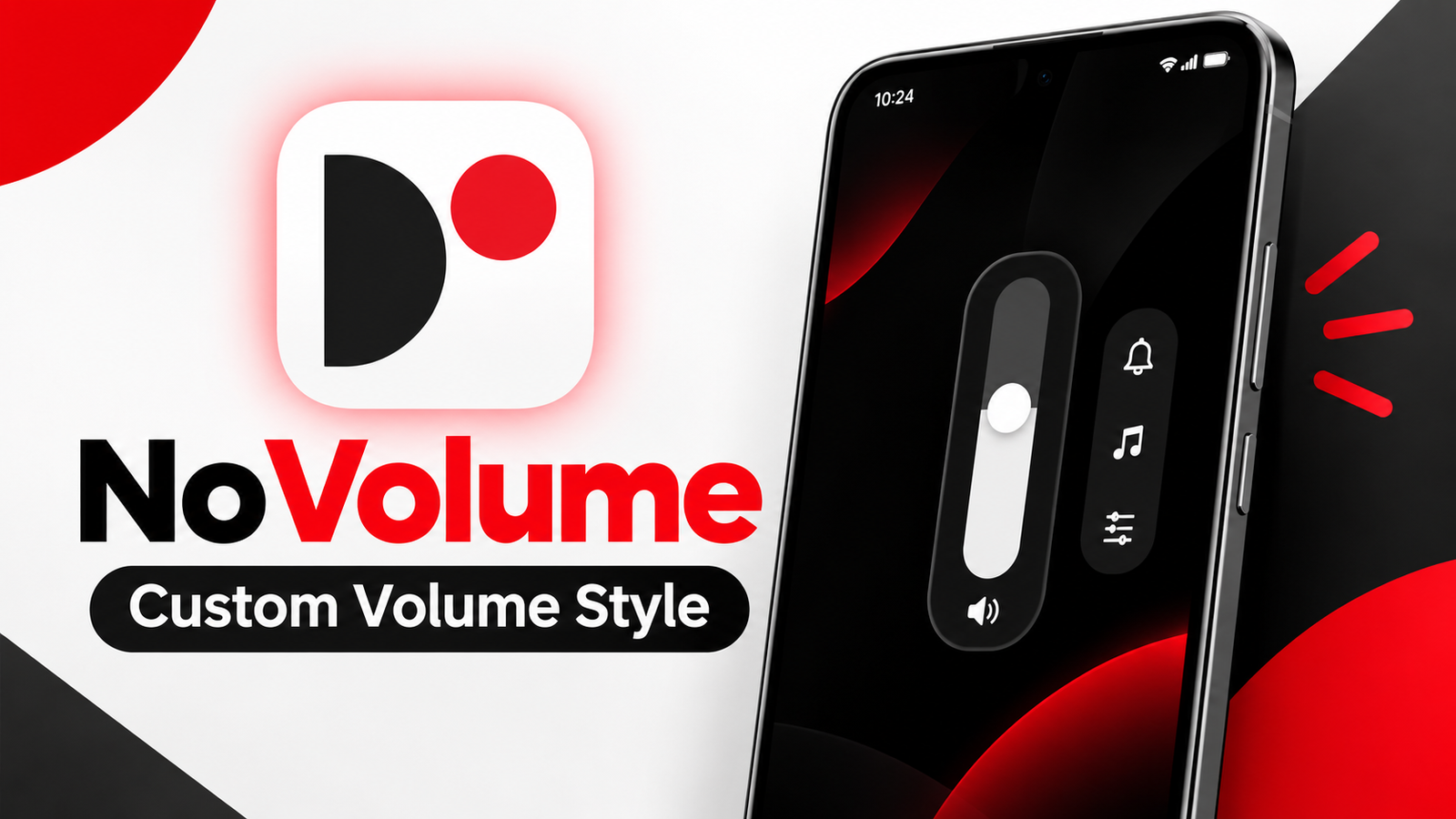
Android smartphones offer several customization options, but the default volume panel can feel basic for users who prefer a more personalized interface. If you enjoy changing the appearance of your phone, NoVolume – Custom Volume Style is an Android app worth exploring.
Inspired by the design language of Nothing OS, NoVolume replaces the standard volume interface with a customizable slider. It offers options for adjusting the slider’s appearance, position, size, and touch behavior, along with haptic feedback on supported devices.
In this article, we will explore NoVolume’s features, customization options, compatibility, and important limitations.
Also read: Always On Display Clock Widget: Customize Your Android Screen With Stylish Clocks
What Is NoVolume – Custom Volume Style?
NoVolume is an Android customization application designed to give your phone a different-looking volume control panel.
Instead of using the default Android volume interface every time you press the physical volume buttons, the app displays a custom slider inspired by Nothing OS.
The app is primarily designed with Nothing and CMF smartphone users in mind, although the experience may vary on other Android devices.
Users can adjust different visual elements to match their preferences and create a volume control interface that feels more integrated with their phone’s overall design.
Nothing OS-Inspired Volume Slider
One of NoVolume’s main attractions is its minimalist appearance.
The custom volume slider takes inspiration from the visual style of Nothing OS, making it particularly interesting for users who like clean interfaces and modern smartphone designs.
Rather than offering only a standard volume bar, the app provides customization options that let users adjust the slider’s appearance and placement.
This makes it possible to create a volume panel that better matches your preferred Android theme.
Haptic Feedback for a More Interactive Experience
NoVolume includes haptic feedback designed to make volume adjustments feel more interactive.
On compatible smartphones, the slider can provide tactile feedback while changing the volume level. This can give users a more responsive experience when adjusting sound using the on-screen control.
However, haptic feedback depends heavily on the phone’s vibration hardware.
According to the developer, Nothing and CMF smartphones with suitable HD haptic motors are the primary devices targeted by this feature.
On budget smartphones or devices with basic vibration motors, the feedback may feel different or may not work as intended.
Therefore, users should consider their phone’s hardware before expecting the same haptic experience across different devices.
Customize the Volume Slider’s Appearance
NoVolume offers several customization options, including features available in its free version.
Users can adjust different elements of the volume panel to create a layout that suits their preferences.
Some of the available options include:
- Slider Position: Change where the volume control appears on the screen.
- Slider Size: Adjust the dimensions of the volume interface.
- Touch Speed: Modify the speed at which touch controls respond.
- Number Size: Customize the appearance of volume level numbers.
- Font Weight: Change the thickness of the displayed text.
- Shadows: Adjust visual effects for a different appearance.
The position adjustment can be particularly useful for users who want the on-screen slider to appear closer to the physical volume buttons.
These options provide flexibility without requiring users to modify Android’s system files.
Unlock Additional Features With Premium
Users looking for more customization can explore the premium version of NoVolume.
The premium offering includes additional options for modifying the slider’s appearance and haptic behavior.
These features include three haptic types and more detailed color customization.
Users can adjust individual colors and transparency settings for different interface elements, including numbers and shadows.
Premium also provides preset-sharing functionality. Users can share their customized presets with the NoVolume community without logging in and download presets created by other premium members.
This can be useful for people who prefer using an existing design instead of adjusting every setting manually.
The availability of individual features and premium terms may depend on the current app version.
Exclude Selected Apps From Custom Volume Controls
Another useful feature is the ability to exclude specific applications from NoVolume’s custom volume controls.
For example, the developer mentions apps such as the Camera and Phone applications.
This can be helpful when you want certain applications to retain their normal behavior rather than using the custom volume interface.
App exclusion also gives users more control over where the custom slider appears, particularly when using applications with their own volume or hardware-button functions.
The available exclusions depend on the app’s supported functionality.
Understanding NoVolume’s Volume Control Limitations
Although NoVolume changes the appearance and interaction of the volume slider, it does not provide unlimited volume adjustment.
The app continues to use the volume steps supported by Android and your smartphone.
For example, if your device provides 16 volume levels, the app cannot automatically turn them into hundreds of independent volume levels.
This limitation comes from the underlying Android volume system rather than the slider’s visual design.
Access the Standard Android Volume Panel
NoVolume also provides a convenient way to access the original Android volume controls.
According to the developer, holding the NoVolume slider opens the standard Android volume panel.
This allows users to access additional controls, such as notification volume, alarm volume, and sound modes, depending on their device.
As a result, users can enjoy a customized volume interface while retaining access to the regular Android sound settings.
Why Does NoVolume Require Accessibility Permission?
NoVolume requires Android’s Accessibility Services permission to provide its custom volume functionality.
The permission is used to display the volume slider over other applications and detect volume button presses.
According to the developer, the accessibility service supports the app’s volume-control features and is not used to collect personal information.
Nevertheless, Accessibility permission provides powerful capabilities on Android, so users should review the permission details and understand why an application needs access before enabling it.
Only grant the permissions required for the features you intend to use.
Who Should Try NoVolume?
NoVolume may appeal to several types of Android users, especially those who enjoy customizing their smartphone interface.
The app could be useful for:
- Nothing and CMF smartphone owners interested in a matching volume design.
- Android enthusiasts who enjoy changing system interface elements.
- Users who prefer minimalist volume controls.
- People who want adjustable slider positioning and appearance.
- Users interested in haptic feedback on compatible devices.
Those who primarily want more precise volume levels should keep Android’s volume-step limitations in mind.
Final Thoughts
NoVolume – Custom Volume Style offers Android users a way to replace the standard volume interface with a customizable, Nothing OS-inspired slider.
Its adjustable layout, visual customization, haptic feedback, and premium preset options provide several ways to personalize the volume-control experience.
The app is particularly relevant for Nothing and CMF users, although compatibility and haptic performance can vary across smartphones.
While it does not increase the number of available volume levels, NoVolume can be an interesting option for users who want their Android volume panel to look and feel different.
Frequently Asked Questions (FAQs)
1. What is NoVolume used for?
NoVolume is an Android customization app that replaces the standard volume interface with a custom on-screen slider.
2. Is NoVolume inspired by Nothing OS?
Yes. The app’s volume slider is inspired by the visual design of Nothing OS.
3. Does NoVolume work on all Android smartphones?
The experience varies depending on the device. Haptic feedback, in particular, depends on the phone’s vibration hardware.
4. What customization options does NoVolume offer?
Users can adjust the slider’s position, size, touch speed, number size, font weight, and shadows. Premium adds further color and haptic customization.
5. Can NoVolume increase the number of volume levels?
No. The app uses the volume steps supported by Android and the device.
6. Why does NoVolume need Accessibility permission?
The permission is required to display the custom volume overlay and detect volume button presses.
7. Can I still use the default Android volume controls?
Yes. According to the developer, holding the custom slider opens the standard Android volume panel, allowing access to additional sound settings.
1 thought on “NoVolume App Review: Customize Your Android Volume Slider With a Nothing OS-Inspired Look”