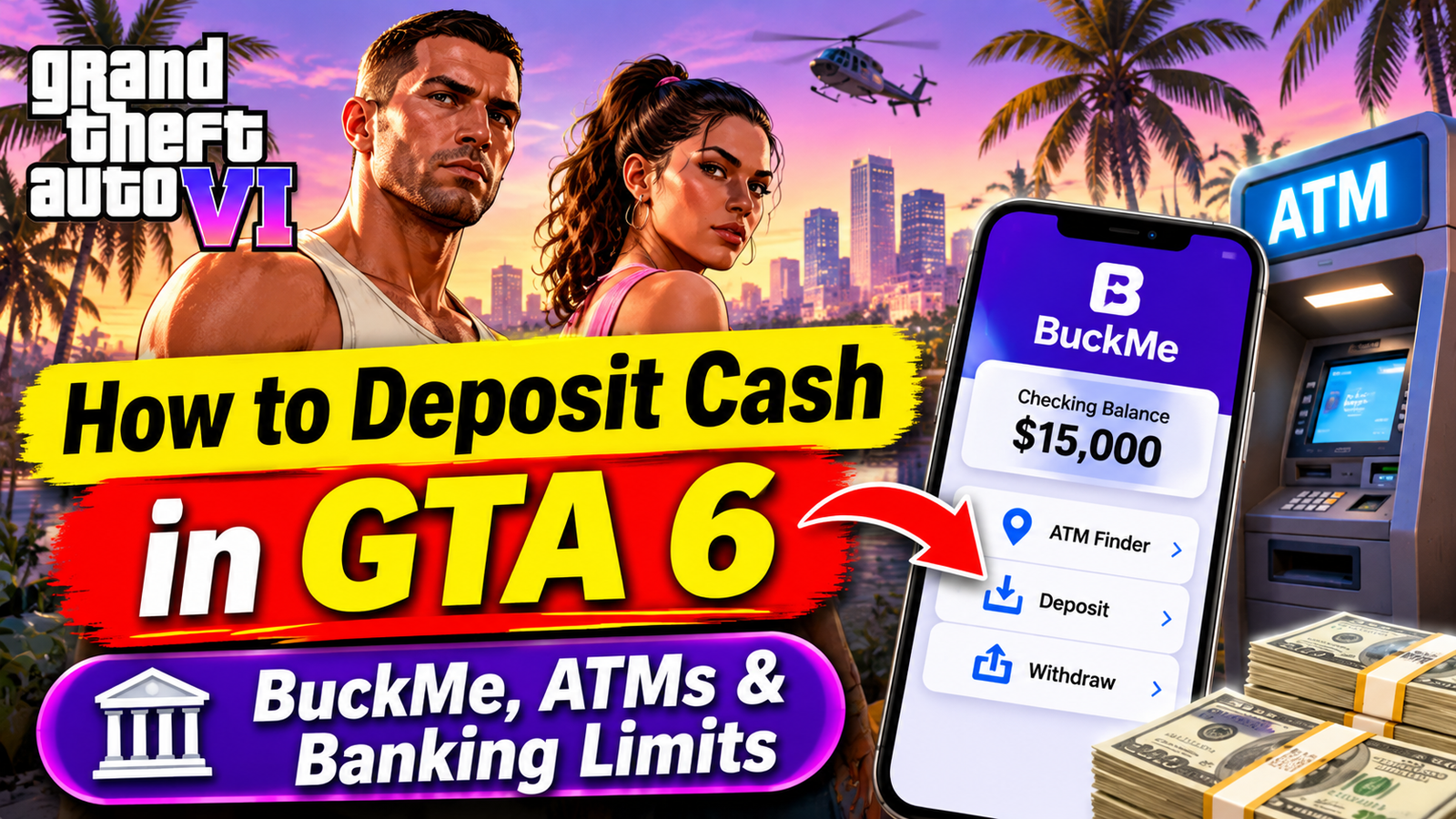
Managing money is an important part of exploring Leonida in GTA 6. Whether you are completing missions, buying items, or simply exploring the game world, keeping track of your cash can help you avoid unnecessary losses.
Carrying a large amount of money can be risky if Jason or Lucia gets arrested or knocked out. Fortunately, the game features a banking system called BuckMe, which allows players to store money and manage their finances.
In this guide, we will explain how to unlock BuckMe, find ATMs, deposit and withdraw cash, and understand the different banking limits in GTA 6.
Also read: How to Turn Off Private Browsing on iPhone: Complete Guide for iOS 26
What Is BuckMe in GTA 6?
BuckMe is the mobile banking service featured in GTA 6. It allows Jason and Lucia to manage their personal bank accounts and access different banking features through their in-game phones.
The banking system includes three main types of money:
- Pocket Cash: Money currently carried by Jason or Lucia.
- BuckMe Checking: Individual bank accounts used for storing money and making larger purchases.
- Family Savings: A shared savings account for Jason and Lucia that supports long-term financial goals.
Pocket cash is useful for everyday expenses, but keeping too much money on hand can be risky. Depositing extra cash into your checking account can help protect it.
How to Unlock BuckMe Banking
BuckMe is not available immediately when you start GTA 6. You must first progress through the opening missions in Chapter 1.
Follow these steps to unlock the banking service:
- Continue playing through Chapter 1 until Lucia returns home with Jason.
- Progress through the relevant story events.
- Wait for Lucia to contact you about opening a bank account.
- Start the Buck Me mission.
- Visit Fleeca Bank with Lucia and speak to the bank manager.
- Complete the account setup process.
Once the setup is complete, BuckMe becomes available on your in-game phone.
The account reportedly starts with an initial balance of $100, allowing you to begin using the banking features.
Where Can Jason Store Money Before Unlocking BuckMe?
Before the banking service becomes available, Jason can use a stash beneath the floorboards in his bedroom.
This provides an early option for storing money at home. However, the stash is separate from BuckMe, and you cannot use it to make ATM transactions.
How to Find ATMs in GTA 6
ATMs are located throughout Leonida, including areas near shops and convenience stores.
You do not have to search for a machine manually. The BuckMe app includes an ATM Finder that helps you locate nearby ATMs.
Here is how to use it:
- Press D-pad Up to open your phone.
- Launch the BuckMe app.
- Select ATM Finder.
- Choose Set Destination.
- Follow the waypoint on your map.
Once you reach the selected location, you can interact with the ATM to access your bank account.
How to Deposit Cash at an ATM
Depositing money into your BuckMe Checking account is a straightforward process.
Follow these steps:
- Find an ATM using the BuckMe ATM Finder.
- Walk up to the machine.
- Press Triangle on PS5 or Y on Xbox to interact with it.
- Select the Deposit option.
- Choose the amount of cash you want to deposit.
- Adjust the amount using the indicated controls.
- Confirm the transaction by pressing X on PS5 or A on Xbox.
The selected amount will be transferred from your pocket cash to your checking account.
Important: You cannot deposit cash directly through the BuckMe phone app. You must visit an ATM to complete the transaction.
How to Withdraw Money From Your Bank Account
If you need cash for purchases or other activities, you can withdraw money from your BuckMe Checking account.
The process is similar to depositing cash:
- Visit an ATM.
- Interact with the machine.
- Select Withdraw.
- Enter the amount you want to withdraw.
- Confirm the transaction.
The money will be transferred from your checking account to your pocket cash.
ATMs also include a Transactions section where you can review recent banking activity.
GTA 6 Cash and Banking Limits
Understanding the different money limits can help you manage your finances more efficiently.
| Money Category | Reported Limit |
|---|---|
| Pocket cash per character | $20,000 |
| Maximum single deposit or withdrawal | $20,000 |
| Starting BuckMe Checking limit | $15,000 |
| Purchases using BuckMe | $1,000 or more |
The starting checking limit is particularly important during the early stages of the game.
If your checking account reaches its current maximum, you will not be able to deposit additional money until more space becomes available.
The checking limit can reportedly increase as you progress through the story and complete certain Family Savings milestones.
Do Jason and Lucia Share Their Bank Accounts?
Jason and Lucia have separate personal checking accounts.
Money deposited into Jason’s BuckMe Checking account remains in his account. The same applies to Lucia’s personal balance.
However, both characters can access a shared Family Savings account.
This account is designed for longer-term financial goals and is separate from their individual checking balances.
What Is Family Savings in GTA 6?
Family Savings is a shared account that allows Jason and Lucia to work toward specific savings targets.
Unlike regular checking accounts, money placed into Family Savings cannot simply be withdrawn whenever you want. Instead, reaching certain milestones can provide progression benefits.
One of the early savings targets mentioned in the game guide is $5,000 during Chapter 1.
Reaching this milestone before the relevant story event may be useful because money already placed in Family Savings remains protected.
Why Should You Deposit Cash Regularly?
Depositing money regularly can make managing your finances easier throughout GTA 6.
1. Protect Your Money From Losing Cash
Getting Wasted or Busted can result in losing some of the cash you are carrying.
Money stored in your bank account is treated differently, making it a safer place for larger amounts.
2. Avoid Reaching the Pocket Cash Limit
Each character can reportedly carry up to $20,000.
Once you reach this limit, depositing some of your money can free up space for additional cash.
3. Prepare for Expensive Purchases
Larger purchases can use your BuckMe Checking balance.
Keeping money in your bank account gives you more flexibility when you want to buy something expensive.
4. Protect Money Earned From Missions
After completing a mission, robbery, or other activity that rewards you with a large amount of money, consider visiting an ATM.
Transferring your cash into your checking account can help reduce the amount you carry while exploring Leonida.
A Simple Banking Strategy for GTA 6
You do not need to visit an ATM after every mission or small purchase.
A practical approach is to keep enough pocket cash for everyday expenses and deposit the rest whenever your balance starts getting high.
For example, if you receive a large payout from a mission, you can visit an ATM and transfer the extra money into BuckMe Checking.
As you progress through the story and increase your checking limit, you will have more room to store larger amounts.
This approach can help you manage your money without making frequent ATM visits.
Final Thoughts
BuckMe is an important part of managing money in GTA 6. Once you unlock the service during Chapter 1, you can use your phone’s ATM Finder to locate nearby machines and transfer cash into your checking account.
The main limits to remember are $20,000 in pocket cash and a starting checking limit of $15,000. Your checking capacity can increase as you progress through the story, while Family Savings provides a separate option for longer-term financial goals.
If you want to protect your money and avoid carrying large amounts around Leonida, depositing cash regularly is a useful habit.
Frequently Asked Questions (FAQs)
1. How do you deposit cash in GTA 6?
Find an ATM, interact with the machine, select Deposit, enter the amount, and confirm the transaction.
2. How do you unlock BuckMe in GTA 6?
You need to complete the Buck Me mission during Chapter 1. After setting up your account, the BuckMe app becomes available on your phone.
3. What is the maximum amount of cash you can carry in GTA 6?
Each character can reportedly carry up to $20,000 in pocket cash.
4. What is the starting bank limit in GTA 6?
The starting BuckMe Checking limit is reportedly $15,000. This limit can increase as you progress through the story.
5. Can you deposit money using the BuckMe phone app?
No. According to the supplied guide, cash deposits must be completed at an ATM.
6. Do Jason and Lucia have separate bank accounts?
Yes. Their personal checking accounts are separate, but they share access to the Family Savings account.
7. Can you lose money stored in BuckMe?
Pocket cash can be lost when you get Wasted or Busted. Money stored in your bank account is generally protected, apart from applicable fees.
8. How do you find an ATM in GTA 6?
Open your phone, launch BuckMe, select ATM Finder, and choose Set Destination to display a waypoint on your map.