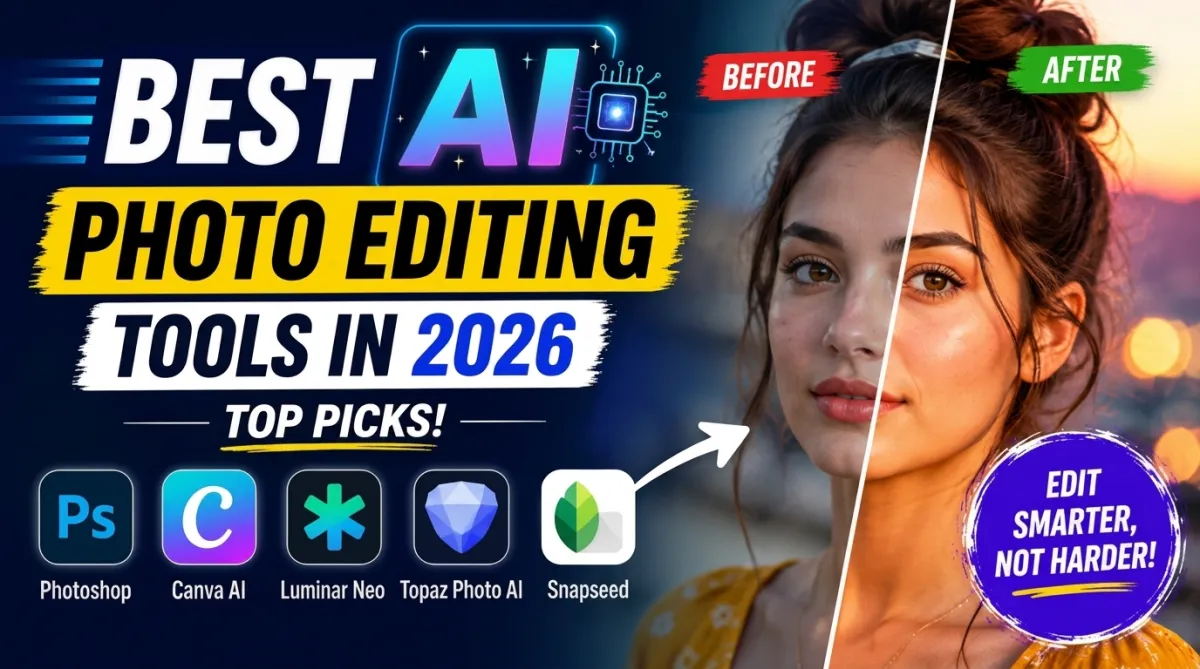
Photo editing has become easier than ever thanks to artificial intelligence. Today, you no longer need advanced editing skills to create professional-looking images. AI-powered photo editing tools can remove backgrounds, enhance image quality, fix lighting, and even generate creative effects in just a few clicks.
Whether you are a content creator, photographer, student, or social media user, AI photo editors can save time and improve your work. However, with so many options available, choosing the right tool can be difficult.
In this article, we will explore the best AI tools for photo editing in 2026, their features, and which one is best for different users.
Why AI Photo Editing Tools Are Popular
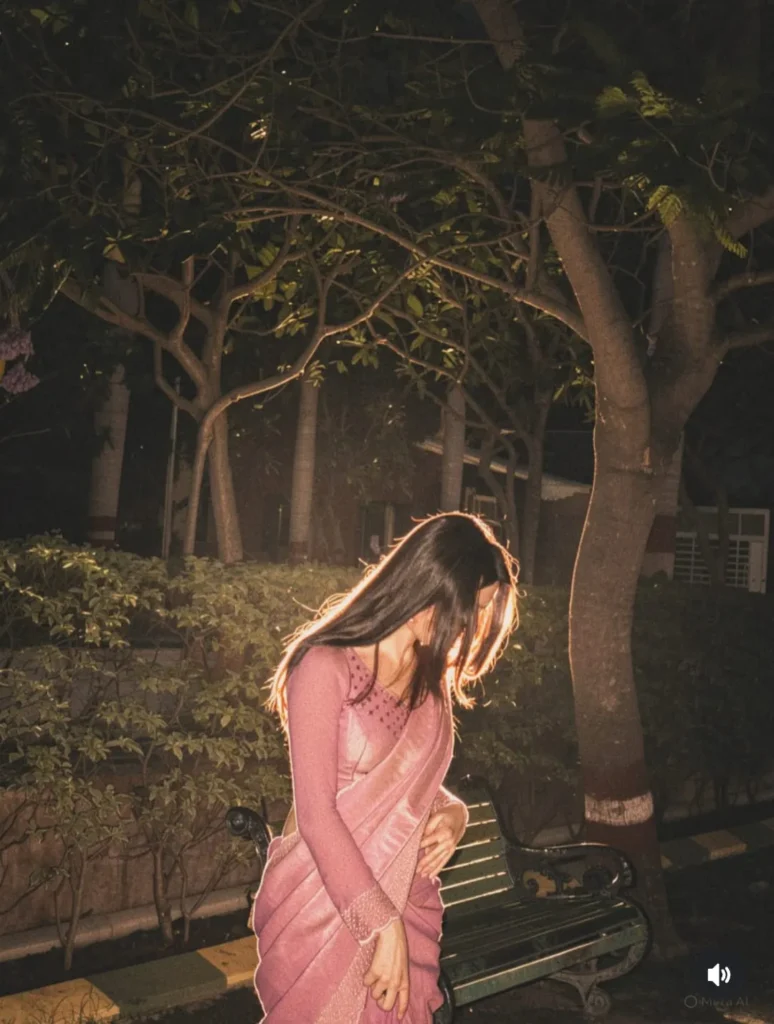
AI editing tools use machine learning to automate complicated editing tasks. Instead of manually adjusting every detail, AI can quickly analyze the image and make smart improvements automatically.
Here are some major benefits of AI photo editing tools:
- Faster editing process
- Beginner-friendly interface
- One-click enhancements
- Professional-quality results
- Better content for social media
These tools are especially useful for people who want quick and impressive edits without spending hours learning traditional software.
Best AI Tools for Photo Editing
1. Adobe Photoshop – Best Overall
Adobe Photoshop remains one of the most powerful photo editing tools in the world. Its AI-powered features have made editing much faster and smarter.
Popular AI features include:
- Generative Fill
- Smart object removal
- AI background replacement
- Automatic retouching
- Advanced layer editing
Photoshop is perfect for professional photographers, designers, and advanced users who want complete creative control. Although it has a learning curve, the results are excellent.
2. Canva AI – Best for Beginners
Canva AI is one of the easiest photo editing tools available today. It is widely used by bloggers, students, marketers, and social media creators.
Key features include:
- Magic Eraser
- Background remover
- AI image enhancement
- Text-to-image generation
- Ready-made templates
The biggest advantage of Canva is simplicity. Even beginners can create high-quality designs and edited photos within minutes.
If you want a simple and user-friendly AI editor, Canva is a great choice.
3. Luminar Neo – Best for Creative Photography
Luminar Neo is popular among photographers who want artistic and cinematic edits. It uses advanced AI technology to simplify creative editing.
Its best features include:
- AI sky replacement
- Portrait enhancement
- Relighting tools
- Noise reduction
- Automatic color correction
This tool is especially useful for landscape and portrait photography. It helps users achieve dramatic effects with very little effort.
4. Topaz Photo AI – Best for Image Enhancement
Topaz Photo AI is designed mainly for improving image quality. It works extremely well for blurry or low-resolution photos.
Main features include:
- AI sharpening
- Noise reduction
- Face recovery
- Image upscaling
- Detail enhancement
Photographers often use Topaz Photo AI to restore old photos or improve images taken in poor lighting conditions.
If your main focus is image clarity and sharpness, this tool is one of the best options available.
5. Snapseed – Best Free Mobile Editor
Snapseed is a powerful free photo editing app for mobile users. It offers many advanced features without charging any money.
Features include:
- Selective editing
- Portrait enhancement
- Healing tools
- RAW editing support
- AI filters
Snapseed is ideal for users who prefer editing photos directly on their smartphones.
How to Choose the Right AI Photo Editor
Different tools are designed for different needs. Choosing the right one depends on your editing goals.
Choose Photoshop If:
- You need professional editing
- You want advanced control
- You work on detailed projects
Choose Canva AI If:
- You are a beginner
- You create social media content
- You want quick and simple edits
Choose Luminar Neo If:
- You enjoy creative photography
- You edit landscapes or portraits
- You want cinematic effects
Choose Topaz Photo AI If:
- You want sharper photos
- You restore old images
- You need quality enhancement
Choose Snapseed If:
- You want a free editor
- You edit on mobile devices
- You need simple but powerful tools
Tips for Better AI Photo Editing
Even the best AI tools work better when used properly. Here are some helpful tips:
Use High-Quality Images
Clear and well-lit photos produce better AI editing results.
Avoid Overediting
Too many filters or AI effects can make photos look unnatural.
Learn Basic Photography
Good lighting and composition still matter, even with AI tools.
Experiment With Different Tools
Each AI editor has unique strengths. Trying multiple tools can help you find the best workflow.
Save Original Images
Always keep the original version before making edits.
Future of AI Photo Editing
AI photo editing technology is improving rapidly. Future tools may allow users to edit images using voice commands or automatic style matching.
As AI becomes smarter, editing will become even faster and more personalized. However, creativity and human input will still play an important role in creating unique images.
Conclusion
AI photo editing tools have completely transformed the way people edit photos. They save time, improve image quality, and make professional editing accessible to everyone.
Adobe Photoshop is the best overall choice for professionals, while Canva AI is perfect for beginners. Luminar Neo is ideal for creative photography, Topaz Photo AI excels at image enhancement, and Snapseed remains one of the best free mobile editors.
Choosing the right tool depends on your needs and editing style. The good news is that modern AI tools make photo editing easier and more powerful than ever before.
FAQs
Which is the best AI tool for photo editing?
Adobe Photoshop is considered one of the best AI photo editing tools for professional use.
What is the best free AI photo editor?
Snapseed is one of the best free AI-powered photo editing apps for mobile users.
Is Canva AI good for beginners?
Yes, Canva AI is simple, beginner-friendly, and great for quick edits.
Can AI fix blurry photos?
Yes, tools like Topaz Photo AI can sharpen and improve blurry images.
Which AI editor is best for photographers?
Luminar Neo and Adobe Photoshop are excellent choices for photographers.
Are AI photo editing tools easy to use?
Most modern AI editors are designed for beginners and require very little editing experience.