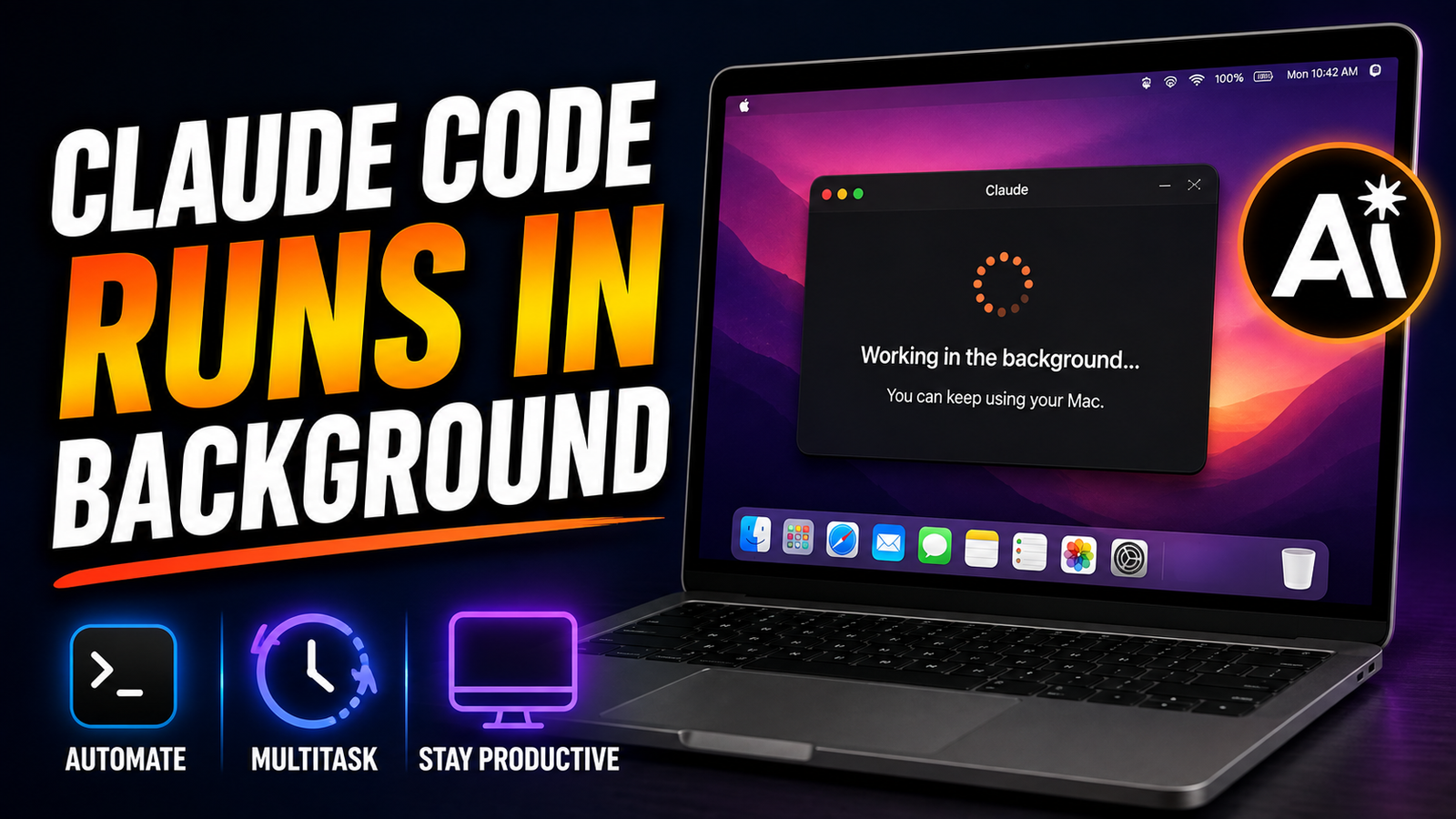
Anthropic is making its AI-powered coding and computer-use tools more convenient for Mac users with a new background working capability. The latest update for Claude Code and Claude Cowork allows Claude to continue performing approved tasks in the background while you use your Mac for other activities.
Instead of having to watch the AI complete every action on your screen, users can let Claude handle certain workflows while they move on to another application. This can be especially useful for repetitive desktop tasks that normally require several clicks, text entries, or actions across different applications.
The feature is currently available as a beta experience for eligible Claude Pro and Claude Max subscribers using compatible Macs.
Also read: How to Add Photo Filters to iPhone Photos in 2026?
What Is Claude’s Background Computer Use Feature?
Claude has already offered computer-use capabilities that allow the AI to interact with a computer interface. It can perform actions such as clicking buttons, entering text, opening applications, and navigating through supported software.
The new background functionality changes how those actions are performed.
Rather than keeping Claude in the foreground while it works, users can allow it to operate in a background window. This means you can continue using your Mac for other activities while Claude handles the task you assigned to it.
For example, you might ask Claude to move information between applications or complete a repetitive workflow. Once the task begins, you can switch to another application and continue working.
This approach is intended to make AI-assisted computer tasks less disruptive.
How Background Tasks Work on a Mac
The feature is designed around controlled computer access rather than completely independent operation.
Before Claude can interact with applications, you need to give it the necessary permissions. Once access has been configured, Claude can perform supported actions within the applications you have approved.
It may be able to:
- Click interface elements
- Enter text
- Open applications
- Navigate through supported programs
- Read information visible within permitted applications
- Complete repetitive desktop workflows
You remain in control of the computer, however. Claude does not simply receive unrestricted access to everything on your Mac.
The background experience is therefore better understood as assisted automation rather than a completely autonomous computer operator.
You Can Continue Using Your Mac
One of the biggest advantages of the update is that you don’t necessarily have to stop what you’re doing while Claude works.
Suppose you have asked Claude to perform a repetitive task in one application. Instead of sitting and waiting for every action to finish, you can switch to your browser, write a document, check your email, or perform another task.
Claude can continue working in its background environment.
Anthropic has also designed the experience to reduce conflicts with your own actions. If you’re actively typing, Claude can wait before continuing certain interactions. This helps reduce the possibility of the AI interfering with something you’re doing manually.
That makes the feature particularly interesting for people who regularly multitask on their Macs.
What Kind of Tasks Can Claude Handle?
Background computer use is most useful when the task is relatively straightforward and repetitive.
For example, users could potentially use Claude to assist with workflows such as:
- Moving information between supported applications
- Checking dashboards
- Repeating simple desktop actions
- Entering information into forms
- Organizing routine computer tasks
- Navigating through application interfaces
The exact capabilities depend on the applications involved and the permissions available on the Mac.
It’s important not to assume that Claude can successfully automate every workflow. Complicated processes may require human supervision, especially when a task involves making important decisions or handling sensitive information.
Claude Still Requires Your Mac to Be Running
Background operation does not mean Claude can continue working after your computer has been completely shut down.
Your Mac needs to remain powered on, and the Claude Desktop application needs to be running for the background experience to function.
This is an important distinction between background computer use and cloud-based tasks that can continue independently of your device.
If you shut down your Mac or close the required application, Claude won’t be able to continue interacting with the desktop environment in the same way.
Permissions Are an Important Part of the Setup
Because Claude can interact with your computer, macOS permissions are required before the feature can be used.
The required permissions can include Accessibility access, which enables actions such as clicking and typing, and Screen Recording access, which allows Claude to view information displayed on the screen.
Claude may also request permission to interact with individual applications.
These permissions are important because they determine what Claude can see and what actions it can perform.
Before granting access, users should understand what each permission allows and consider whether they are comfortable giving the application that level of access.
Be Careful With Sensitive Information
Computer-use AI can potentially see information displayed inside applications it has permission to access. Because of this, background automation should be used carefully when sensitive information is involved.
For example, you may want to avoid giving an AI assistant access to workflows containing:
- Private documents
- Passwords or authentication information
- Confidential business files
- Financial information
- Personal conversations
- Other sensitive data
Even if a task appears simple, it’s worth checking what information may be visible on the screen while Claude is working.
For low-risk and repetitive workflows, the feature can be convenient. For highly sensitive tasks, direct human control may be the safer choice.
Is Claude Completely Autonomous?
No. The background feature should not be confused with giving Claude unlimited control over your Mac.
The system still operates within the permissions and application access you provide. Users are also responsible for deciding which tasks should be automated and what access Claude receives.
This distinction is important because computer automation can behave differently depending on the application, interface, and task.
A simple workflow may work reliably, while a complicated sequence involving unexpected pop-ups or changing interfaces may require user intervention.
Claude Works Best With Simple Workflows
Anthropic’s approach is particularly suitable for tasks that have clear steps and predictable outcomes.
For example, if a task involves repeatedly transferring information from one place to another, an AI assistant may be able to handle much of the repetitive work.
On the other hand, workflows that require complex judgment can be more difficult.
A useful rule is to think of Claude’s background mode as a tool for reducing repetitive manual work, rather than replacing human decision-making entirely.
You should still review important results before relying on them.
Who Can Use the New Feature?
The background computer-use experience is currently available as a beta feature for eligible Claude Pro and Claude Max subscribers through the Claude Desktop application.
Compatible Macs need to be running macOS 15 or later.
The availability of specific capabilities can depend on the subscription, software version, operating system, and rollout status.
At the time described in this update, the background window experience is focused on macOS. Claude’s broader computer-use capabilities can also be available on other platforms, but that does not necessarily mean every background feature works identically across operating systems.
Claude Code and Claude Cowork
The update is relevant to two different Claude experiences.
Claude Code is designed primarily for software development and coding workflows. Developers can use Claude to assist with programming tasks and related activities.
Claude Cowork, meanwhile, is focused more broadly on computer-based work and productivity.
The ability to operate in the background can make both experiences more useful because users don’t necessarily have to remain focused on Claude while it performs an approved task.
Why This Update Matters
AI assistants are increasingly moving beyond simple chat interactions. Instead of only answering questions, they are becoming capable of interacting with software and completing actions on behalf of users.
Background operation is a natural step in that direction.
The main benefit isn’t necessarily that Claude can perform completely new types of actions. Instead, it changes how users work alongside the AI.
You can assign a suitable task, allow Claude to work on it, and continue with something else.
For people who regularly perform repetitive computer operations, even small amounts of saved time can add up.
Things to Keep in Mind
Before using Claude’s background computer capabilities, consider a few practical points:
- Keep your Mac powered on while the task is running.
- Make sure Claude Desktop is running.
- Review requested macOS permissions carefully.
- Give access only to applications you are comfortable allowing Claude to interact with.
- Avoid using sensitive information in automated workflows when possible.
- Start with simple tasks before attempting complicated workflows.
- Review important results instead of assuming every action was completed correctly.
Following these precautions can help you use the feature more responsibly.
Final Thoughts
Anthropic’s background computer-use update makes Claude Code and Claude Cowork more convenient for Mac users by allowing certain approved tasks to continue while they work elsewhere on the computer.
Instead of constantly watching Claude click through an application, users can assign suitable repetitive tasks and switch their attention to something else. The feature can be particularly helpful for routine workflows where the same actions need to be performed repeatedly.
However, background operation doesn’t make Claude completely autonomous. Your Mac must remain available, the required permissions need to be enabled, and users should remain responsible for choosing appropriate tasks and reviewing important results.
For Mac users who want to combine AI assistance with multitasking, this update could make computer-based automation feel considerably more practical and less disruptive.