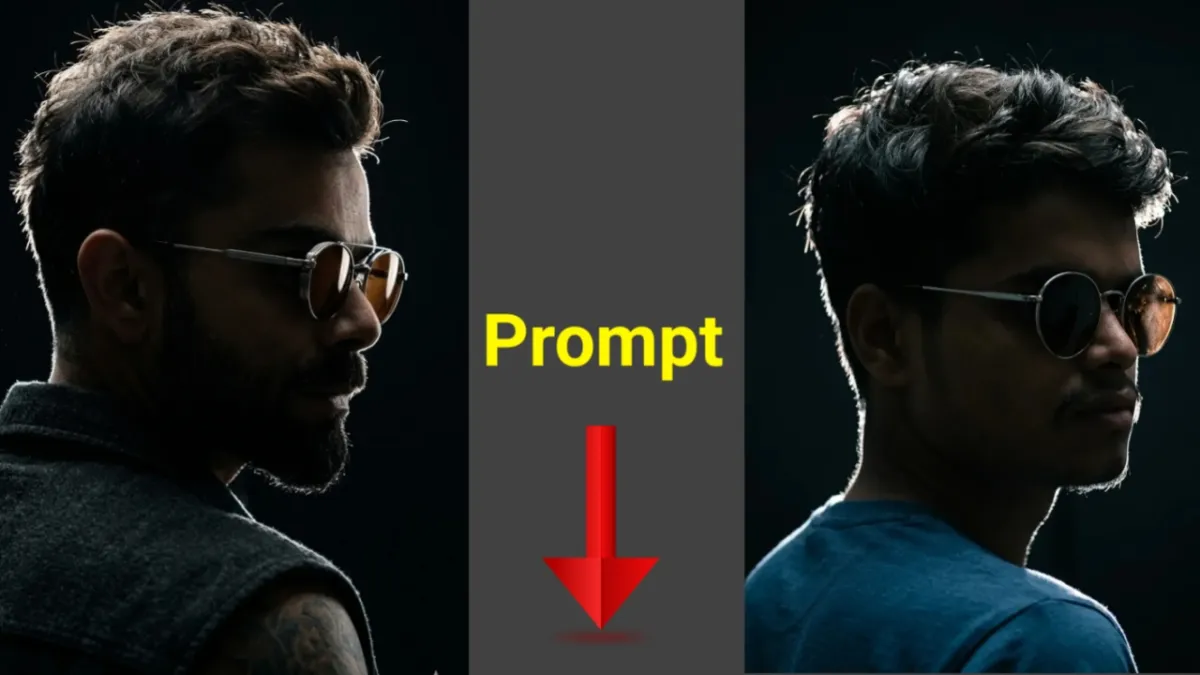
Artificial Intelligence has completely changed the way people edit photos. What once required advanced editing skills and expensive software can now be done in seconds with simple text instructions. Whether you want to enhance selfies, create cinematic portraits, remove backgrounds, or turn images into artwork, AI photo editing tools make the process fast and beginner-friendly.
But there is one important thing many people struggle with: writing the right AI photo editing prompt.
A good prompt can transform an ordinary photo into a professional-looking masterpiece. A weak prompt, on the other hand, may give poor or confusing results. That is why learning how to create effective prompts is essential.
In this guide, you will learn:
- What AI photo editing is
- How AI prompts work
- How to write professional photo editing prompts
- Best AI tools for editing photos
- Examples of powerful prompts
- Common mistakes to avoid
- Tips for getting realistic and high-quality results
Let’s begin.
What Is AI Photo Editing?
AI photo editing is the process of editing or enhancing images using artificial intelligence tools. Instead of manually adjusting lighting, colors, or effects, users can simply describe what they want in text form.
For example, you can type:
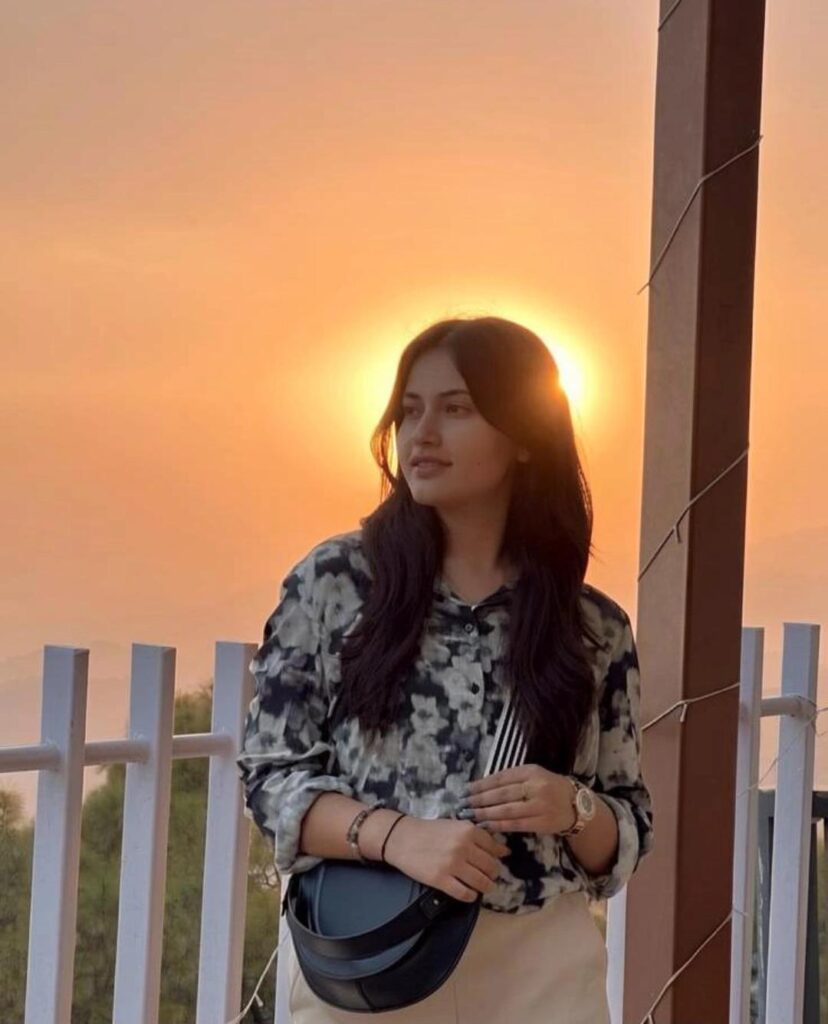
“Make this portrait cinematic with warm lighting and blurred background.”
The AI tool analyzes the image and applies the requested changes automatically.
AI editing tools can perform tasks such as:
- Background removal
- Face enhancement
- Color correction
- Object removal
- Skin retouching
- Cartoon or anime effects
- Cinematic edits
- Vintage filters
- Lighting adjustments
- AI-generated artistic styles
These tools save time and make professional editing accessible to everyone.
How AI Photo Editing Prompts Work
An AI prompt is a text instruction that tells the AI exactly what kind of edit you want.
Think of it as giving directions to a designer. The clearer your instructions are, the better the outcome will be.
For example:
Weak Prompt:
“Edit this photo nicely.”
Strong Prompt:
“Create a cinematic portrait with soft golden-hour lighting, natural skin tones, blurred city background, and DSLR-style depth of field.”
The second prompt provides clear details about:
- Style
- Lighting
- Background
- Mood
- Camera effect
This helps the AI understand your vision more accurately.
Structure of a Perfect AI Photo Editing Prompt
A high-quality prompt usually includes several important elements.
1. Subject Description
Mention what is in the image.
Example:
- Portrait of a young man
- Outdoor couple photo
- Street photography image
- Product photo
2. Editing Style
Describe the editing style you want.
Examples:
- Cinematic
- Realistic
- Vintage
- Professional
- Moody
- Anime style
- Hyper-realistic
- Luxury look
3. Lighting Details
Lighting plays a huge role in image quality.
Examples:
- Soft natural light
- Golden-hour sunlight
- Neon lighting
- Studio lighting
- Dramatic shadows
4. Background Instructions
Tell the AI whether to blur, replace, or enhance the background.
Examples:
- Blurred background
- Mountain landscape background
- Luxury indoor setup
- Rainy street atmosphere
5. Color Tone
Specify the color mood.
Examples:
- Warm tones
- Cool blue tones
- High contrast
- Vibrant colors
- Matte finish
6. Quality Enhancements
Mention professional effects.
Examples:
- 4K quality
- Sharp focus
- DSLR effect
- Ultra detailed
- High resolution
Example of a Professional AI Editing Prompt
Here is a complete example:
“Create a cinematic portrait of a young man standing on a city street during sunset, with warm golden lighting, shallow depth of field, realistic skin tones, blurred traffic lights in the background, DSLR quality, ultra-detailed face, and moody atmosphere.”
This type of prompt gives the AI detailed instructions for a polished result.
Best AI Tools for Photo Editing
Many AI tools are available today, each offering different features. Here are some of the best options.
1. ChatGPT Image Editing
AI assistants can help generate prompts and edit images using conversational instructions.
Best for:
- Prompt creation
- Creative edits
- Quick transformations
2. Adobe Firefly
Adobe’s AI platform offers professional editing features and generative AI tools.
Best for:
- Professional designers
- High-quality commercial edits
- Creative effects
3. Canva AI
Canva includes AI editing tools that are simple for beginners.
Best for:
- Social media graphics
- Quick photo enhancement
- Content creators
4. Remini
Remini specializes in face enhancement and photo restoration.
Best for:
- Old photos
- Blurry image repair
- Portrait enhancement
5. PicsArt AI
PicsArt provides AI filters, artistic styles, and creative editing options.
Best for:
- Artistic edits
- Social media photos
- Fun effects
Step-by-Step Guide to Edit Photos Through AI
Step 1: Choose an AI Tool
Select a platform based on your needs. Beginners can start with Canva or PicsArt, while professionals may prefer Adobe Firefly.
Step 2: Upload Your Photo
Upload the image you want to edit.
Most AI tools support:
- JPG
- PNG
- WEBP
Step 3: Write Your Prompt
Describe the desired changes clearly.
Example:
“Enhance this selfie with smooth skin, natural lighting, sharp focus, blurred background, and Instagram-style color grading.”
Step 4: Generate the Edit
Click generate or apply.
The AI will process the image and create edited versions.
Step 5: Refine if Needed
If the result is not perfect:
- Add more details
- Change lighting instructions
- Specify realism level
- Mention camera style
AI editing often improves after small prompt adjustments.
Types of AI Photo Editing Prompts
Cinematic Prompt
“Create a cinematic movie-style portrait with dramatic lighting, dark background, orange and teal color grading, sharp facial details, and realistic shadows.”
Instagram Influencer Style
“Edit this selfie with bright skin tones, smooth lighting, soft makeup effect, aesthetic background blur, and trendy Instagram color grading.”
Luxury Portrait Prompt
“Transform this portrait into a luxury fashion magazine style photo with studio lighting, premium outfit enhancement, glossy skin tones, and elegant background.”
Anime Style Prompt
“Convert this photo into anime art with vibrant colors, expressive eyes, soft shading, and detailed animated background.”
Vintage Prompt
“Apply a vintage 90s film camera effect with faded colors, grain texture, warm tones, and retro lighting.”
Tips for Writing Better AI Prompts
Be Specific
Detailed prompts always produce better results.
Instead of:
“Make it better.”
Try:
“Enhance sharpness, improve lighting, smooth skin naturally, and add cinematic depth.”
Mention Realism
If you want natural-looking edits, include:
- Realistic
- Natural skin texture
- Authentic lighting
Use Photography Terms
AI understands photography-related instructions well.
Useful terms:
- Bokeh
- Depth of field
- HDR
- DSLR quality
- Ultra realistic
- Cinematic lighting
Avoid Too Many Instructions
Overloading prompts may confuse the AI.
Keep prompts detailed but focused.
Experiment with Styles
Try different moods and themes:
- Dark aesthetic
- Fantasy
- Minimalist
- Luxury
- Retro
Creativity often leads to unique results.
Common Mistakes to Avoid
1. Writing Very Short Prompts
Short prompts give vague results.
2. Using Contradictory Instructions
Example:
“Make it dark and bright at the same time.”
This confuses the AI.
3. Ignoring Image Quality
Low-quality original images may limit final results.
Use clear photos whenever possible.
4. Overediting Faces
Extreme beauty filters can make photos look fake.
Aim for natural enhancement.
Why AI Photo Editing Is Becoming Popular
AI editing tools are growing rapidly because they offer:
- Faster workflow
- Beginner-friendly editing
- Professional-quality results
- Creative freedom
- Affordable alternatives to expensive software
Today, influencers, photographers, marketers, and casual users all rely on AI tools for faster content creation.
Can AI Replace Professional Photo Editors?
AI is powerful, but professional editors still have advantages in creativity, storytelling, and advanced customization.
However, AI greatly helps with:
- Quick enhancements
- Social media content
- Basic retouching
- Creative experimentation
For many everyday users, AI editing is more than enough.
Future of AI Photo Editing
The future of AI editing looks extremely promising.
Upcoming improvements may include:
- Real-time editing
- Voice-controlled photo editing
- Hyper-realistic transformations
- Automatic scene generation
- AI-powered video editing
As technology evolves, editing photos will become even easier and more creative.
Conclusion
AI photo editing has transformed digital creativity. Today, anyone can create professional-looking images without mastering complex software. The secret lies in writing clear and detailed prompts.
A good AI prompt should describe:
- The subject
- Editing style
- Lighting
- Background
- Color tone
- Final quality
The more specific your instructions are, the better your results will be.
Whether you are a content creator, social media user, photographer, or beginner, learning how to create AI photo editing prompts can help you produce stunning visuals quickly and efficiently.
Start experimenting with different styles, improve your prompt-writing skills, and unlock the full power of AI photo editing.
FAQs
1. What is an AI photo editing prompt?
An AI photo editing prompt is a text instruction that tells an AI tool how to edit or enhance an image.
2. Which AI tool is best for beginners?
Canva AI and PicsArt are beginner-friendly tools with simple interfaces and fast editing features.
3. How can I write better AI prompts?
Use clear descriptions, mention lighting and style, and include realistic details for better results.
4. Can AI make photos look professional?
Yes, AI tools can create professional-quality edits with cinematic lighting, color grading, and advanced enhancements.
5. Is AI photo editing free?
Many AI tools offer free versions, but premium features may require paid subscriptions.
6. Can AI remove backgrounds automatically?
Yes, most AI editing tools can remove or replace backgrounds in seconds.
7. Are AI-edited photos realistic?
They can be highly realistic if you use detailed prompts and high-quality original images.