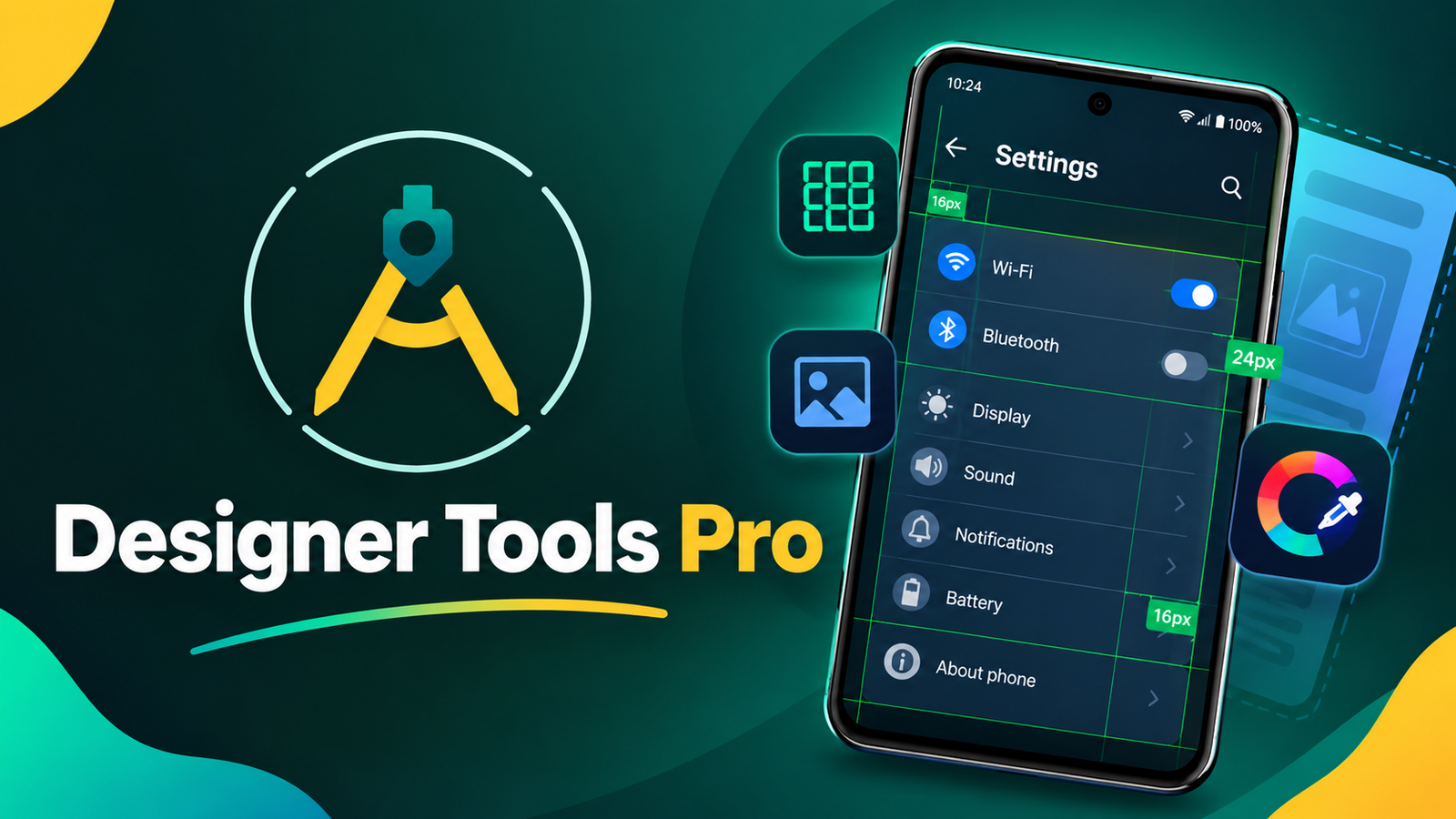
Designing a professional mobile interface requires more than attractive colors and creative layouts. Proper spacing, consistent alignment, and accurate color selection are equally important for creating a smooth user experience.
For UI designers and app developers, checking these details on an actual smartphone can sometimes be challenging. This is where Designer Tools Pro comes in. It is an Android application designed to help users inspect mobile interfaces, compare designs with working apps, and identify visual inconsistencies directly on their devices.
Whether you are a beginner learning UI design or an experienced developer testing an application, Designer Tools Pro provides several practical tools to make the design review process easier.
Also read: Batix Charging Photo App: Customize Your Android Charging Screen With Photos and Animations
What Is Designer Tools Pro?
Designer Tools Pro is a UI inspection and design verification app for Android smartphones. It allows users to examine application screens while other apps are running, making it easier to compare an actual interface with its original design.
Instead of repeatedly switching between a design file and a mobile application, users can display grids, overlay mockup images, and inspect colors directly on the phone screen.
The app is particularly useful for checking whether a developed interface matches the intended design.
Its main tools include:
- Grid overlays for checking spacing and alignment
- Mockup overlays for comparing designs with live screens
- A color picker for identifying color values
- Floating controls for accessing tools while using other applications
These features can help simplify routine UI reviews and reduce the need for repeated manual comparisons.
Why Is Designer Tools Pro Useful for UI Designers?
Even small visual differences can affect the overall appearance of a mobile application. For example, inconsistent button spacing, incorrect background colors, or poorly aligned icons can make an interface look unfinished.
Designer Tools Pro helps users identify these issues during the development and testing process.
Designers can compare their original mockups with the actual application interface, check whether elements are positioned correctly, and identify visual differences before releasing an app.
It can also make collaboration easier. When a designer shares a mockup with a developer, both can use visual comparisons to understand which elements need adjustment.
This can reduce unnecessary revisions and make design feedback more precise.
Key Features of Designer Tools Pro
1. Grid Overlay for Accurate Alignment
The grid overlay is useful for checking the positioning of different interface elements.
It displays a grid over the screen, allowing designers to evaluate spacing and alignment while using another application.
With this feature, users can:
- Check the alignment of buttons and icons.
- Compare spacing between interface elements.
- Identify uneven margins and padding.
- Adjust grid size and line appearance where supported.
For example, if two buttons appear slightly misaligned, a grid can help you identify the difference more easily.
This feature is especially helpful when reviewing forms, navigation bars, settings screens, and other interfaces with multiple elements.
2. Mockup Overlay for Design Comparison
One of the most practical features is the ability to place a design mockup over an actual application screen.
A mockup overlay allows you to compare the intended layout with the interface currently displayed on your smartphone.
You can use it to check:
- Button positions
- Text alignment
- Image placement
- Screen margins
- Overall layout consistency
The overlay’s transparency and position can be adjusted to make the comparison easier.
This is useful when testing an app that is still under development or checking whether a developer has implemented a design accurately.
The ability to work with portrait and landscape layouts also makes the feature useful for different screen orientations.
3. Built-In Color Picker
Color consistency is an important part of mobile UI design. A slightly different shade can make an interface look inconsistent, especially when the same color is used across multiple screens.
Designer Tools Pro includes a color picker that helps identify colors displayed on the screen.
Its color-related features may include:
- Identifying individual pixel colors
- Viewing hexadecimal color values
- Zooming in for more precise selection
- Copying color codes for use in design tools
For example, if you want to reproduce the exact blue shade used in a button, you can use the color picker to inspect the displayed color and copy its hexadecimal value.
This can help maintain a consistent color palette throughout an application.
4. Floating Tools for Easier Multitasking
Switching between different applications repeatedly can interrupt the design review process.
Designer Tools Pro provides floating controls and overlay functionality, allowing supported tools to remain accessible while you use other apps.
This can be useful when inspecting interfaces in applications such as WhatsApp, Facebook, Messenger, or your own Android app.
Instead of closing the current application, you can access the available inspection tools and continue checking the interface.
The exact functionality depends on Android permissions, device compatibility, and the app version.
How to Get Started With Designer Tools Pro
Setting up Designer Tools Pro is generally straightforward and does not require professional design experience.
Follow these steps to get started:
- Open the Google Play Store and search for Designer Tools Pro, if the app is available for your device.
- Install the application and open it.
- Review the available tools and their settings.
- Grant the permissions required for the overlay features you want to use.
- Enable the grid, mockup overlay, or color picker according to your needs.
- Open the application you want to inspect and begin checking its interface.
For mockup comparisons, select the relevant design image and adjust its position and transparency until it matches the application screen.
You can then inspect the layout and identify any visible differences.
Who Should Use Designer Tools Pro?
Designer Tools Pro is mainly intended for people who work with mobile interfaces or regularly evaluate application designs.
UI and UX Designers
Designers can use the app to compare their visual concepts with actual implementations and identify spacing, alignment, and color inconsistencies.
Android Developers
Developers can use overlay tools during app development to check whether interface elements match the supplied design specifications.
Quality Assurance Testers
QA testers may find the app useful when checking the visual consistency of different screens, particularly during interface testing.
Freelancers and Students
Independent designers and students learning mobile UI design can use the available inspection tools to practice evaluating layouts and improve their understanding of spacing and visual balance.
The app can be particularly convenient for people who prefer performing quick checks directly on an Android smartphone.
Privacy and Permissions to Consider
Overlay applications may require special Android permissions to display tools over other applications.
Depending on the features you enable, Designer Tools Pro may request overlay access or other permissions, including Accessibility Service access where applicable.
Before granting any permission, review its purpose and confirm that it is necessary for the feature you want to use.
You should also check the app’s current privacy policy and Google Play Store data safety information rather than assuming that all versions handle data in the same way.
Avoid granting unnecessary permissions, especially when working with sensitive information displayed on your phone.
Things to Know Before Installing
Although Designer Tools Pro can simplify visual inspection, it is not a complete replacement for professional design software or dedicated testing environments.
Some limitations to consider include:
- Overlay features may behave differently across Android versions.
- Certain permissions may be required for floating tools.
- Screen scaling and resolution can affect visual comparisons.
- Complex design work may still require desktop applications.
- Some features may vary depending on the installed version.
For the most accurate results, use the app alongside your regular design and development tools.
Final Thoughts
Designer Tools Pro is a practical Android utility for anyone who wants to inspect mobile interfaces and maintain visual consistency during app development.
Its combination of grid overlays, mockup comparisons, color detection, and floating tools makes it useful for checking alignment, spacing, and colors directly on a smartphone.
Whether you are a UI designer, Android developer, student, or QA tester, the app can help make everyday design reviews more convenient.
If you regularly work with mobile interfaces, Designer Tools Pro is worth exploring as an additional tool in your design workflow. Just remember to review its compatibility, permissions, and current features before installing it.
1 thought on “Designer Tools Pro: A Useful Android App for Mobile UI Design and Testing”