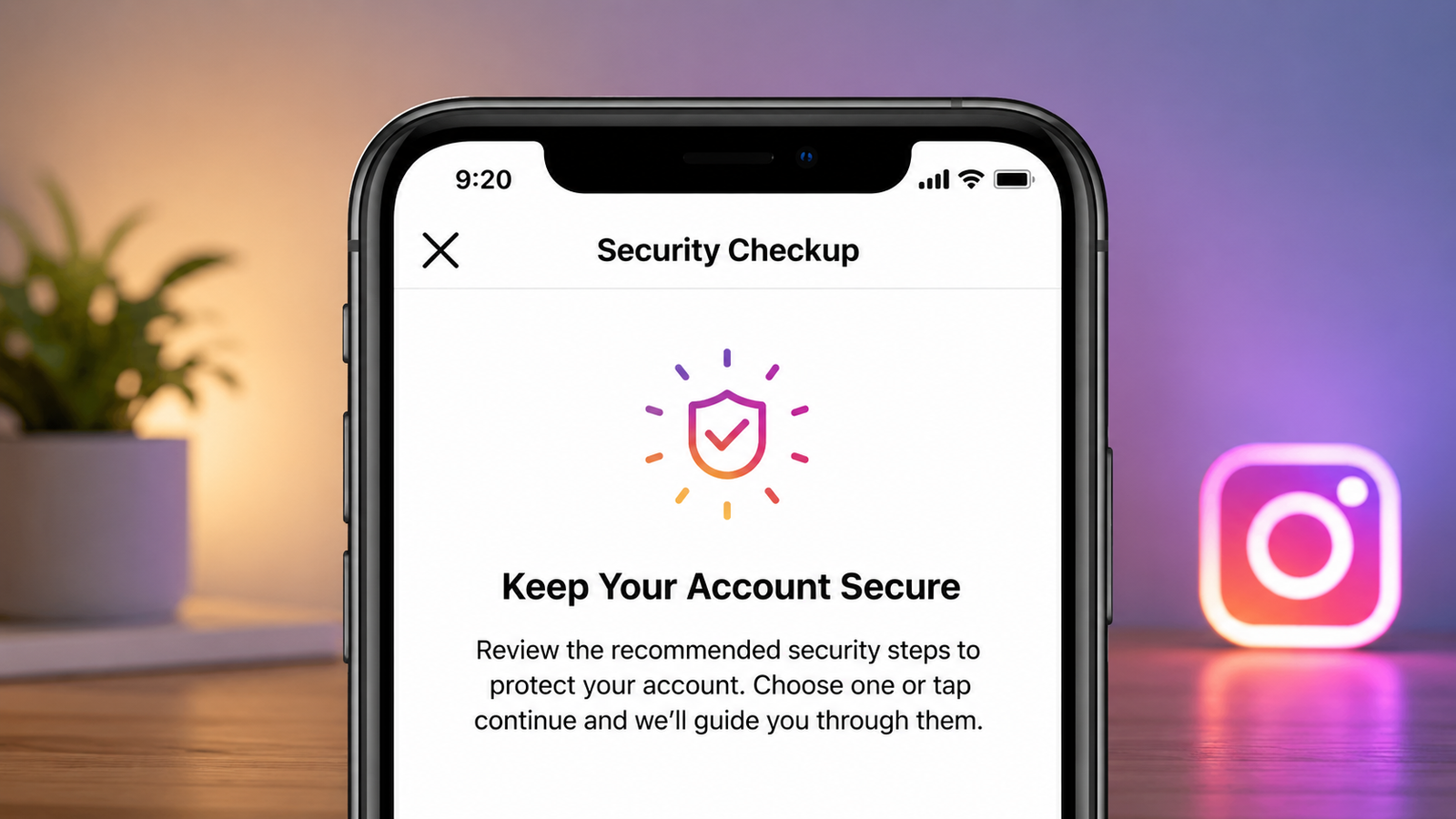
Instagram has become a major part of everyday online life. People use it to share photos and videos, stay connected with friends, manage communities, and even promote businesses. With so much personal information attached to an account, however, privacy and security should not be overlooked.
A compromised Instagram account can expose private conversations, photos, contact details, and other information. Fortunately, you can reduce many common risks by adjusting a few settings and developing safer online habits.
Here are practical steps you can take to make your Instagram account more secure.
Also read: Airtel Unlimited 5G Hotspot Data: What Users Are Reporting
Start With Your Password
Your Instagram password is the first barrier against unauthorized access, so it should be difficult to guess.
Avoid passwords based on easily available information such as your name, birthday, phone number, or simple number sequences. Instead, use a long and unique password containing a combination of letters, numbers, and symbols.
More importantly, don’t reuse the same password across different websites. If another service suffers a security incident, a reused password could potentially put your Instagram account at risk as well.
A password manager can also help you create and store unique passwords without having to remember every one.
Add Two-Factor Authentication
A strong password is important, but adding another verification step provides additional protection.
Instagram supports two-factor authentication (2FA), which can require an extra code or approval when a login attempt is made from an unfamiliar device.
You can usually find the setting through:
Instagram → Settings → Accounts Center → Password and Security → Two-Factor Authentication
Follow the instructions shown in the app to complete the setup. If Instagram offers multiple verification methods, review them and choose one you can reliably access.
Review Devices Logged Into Your Account
It is worth checking your account’s login activity from time to time. This can help you spot a device or session that you don’t recognize.
Look for the section related to Where You’re Logged In under Instagram’s password and security settings. Review the listed devices and locations carefully.
If something looks unfamiliar, sign out of that session and change your password. You should also enable two-factor authentication if it isn’t already active.
Switch to a Private Account if Appropriate
Not everyone needs a public Instagram profile. If you mainly use Instagram to stay connected with people you know, a private account may provide greater control over who can view your content.
With a private profile, people generally need your approval before they can follow you and access your posts.
You can also review your existing followers and remove accounts you no longer want connected to your profile.
Be Selective With Third-Party Services
Some websites and applications offer Instagram-related features such as analytics, scheduling, or account management. Before connecting one of these services, consider whether it genuinely needs access to your account.
Avoid giving account access to services you don’t recognize or trust. It is also a good idea to periodically review connected services and remove access that is no longer necessary.
If you previously connected an application that you no longer use, disconnecting it can help reduce unnecessary account access.
Keep Personal Details Off Your Public Profile
Think carefully about the information you make visible on Instagram.
Avoid publicly sharing sensitive details such as your home address, personal phone number, financial information, or other information that you wouldn’t want strangers to know.
Even seemingly harmless posts can reveal information about your routine, location, workplace, or daily activities. Review your profile and older posts occasionally to make sure you’re comfortable with what is publicly available.
Watch Out for Fake Instagram Messages
Scammers may use convincing messages to trick users into revealing passwords or clicking malicious links.
Be especially careful with messages that claim your account is about to be suspended, ask you to verify information urgently, or offer unexpected rewards.
Never share your Instagram password through a direct message. If you’re unsure whether a notification is genuine, check the relevant information directly through Instagram rather than following a suspicious link.
Taking a few extra seconds to verify a request can prevent a potentially serious mistake.
Control Comments, Mentions, and Tags
Instagram gives you several options for managing how other people interact with your profile.
Depending on your preferences, you can control who can comment, restrict certain interactions, manage mentions, and decide how tags appear on your profile.
You can also enable manual approval for tagged posts. This means tagged content doesn’t necessarily have to appear on your profile automatically.
These controls are particularly useful if you want to keep your profile focused and limit unwanted interactions.
Manage Your Story Privacy
Stories are designed for quick sharing, but that doesn’t mean everyone needs to see them.
Instagram lets you control who can view your Stories and provides options for limiting replies and interactions. If there are specific people you don’t want seeing your Stories, review the available privacy controls.
Before posting, also consider whether the content reveals personal information such as your location, travel plans, or other details you would rather keep private.
Secure the Email Linked to Instagram
Your email address can be an important part of account recovery. That’s why protecting the email account associated with Instagram is just as important as protecting Instagram itself.
Use a unique password for your email and enable two-factor authentication if the provider supports it. Make sure your recovery phone number or other recovery options are current.
If someone gains access to your email, they may be able to interfere with password-reset or account-recovery processes for other services.
What to Do if Your Account Looks Compromised
If you notice unusual activity, don’t ignore it.
For example, unexpected login alerts, unfamiliar messages, changes to your profile, or an unknown device in your login activity may indicate that someone else has accessed your account.
Start by changing your password and reviewing active sessions. Remove unfamiliar connected services and turn on two-factor authentication if necessary.
If you can no longer access your account, use Instagram’s official account recovery process rather than relying on unofficial services or people claiming they can recover the account for you.
Avoid These Common Security Mistakes
Good security isn’t only about changing settings. Everyday habits matter too.
Try to avoid:
- Sharing your password with other people.
- Using the same password on multiple websites.
- Clicking links from suspicious messages.
- Installing unknown apps that request Instagram access.
- Accepting requests from unfamiliar accounts without checking them.
- Ignoring unexpected login notifications.
These simple precautions can make your account considerably harder to misuse.
Take a Few Minutes to Review Your Settings
Instagram’s privacy and security options can change over time as new features are introduced. It’s therefore useful to review your account settings occasionally instead of setting them once and forgetting about them.
Check your password, two-factor authentication, login activity, connected services, follower list, tags, mentions, and Story controls. Remove anything that no longer matches your preferences.
Final Thoughts
Keeping an Instagram account secure doesn’t require complicated technical knowledge. A unique password, two-factor authentication, careful handling of suspicious messages, and regular privacy checks can go a long way toward protecting your account.
Most importantly, stay cautious about what you share and who you allow to interact with your profile. A few minutes spent reviewing your security settings can help you maintain better control over your Instagram account and personal information.